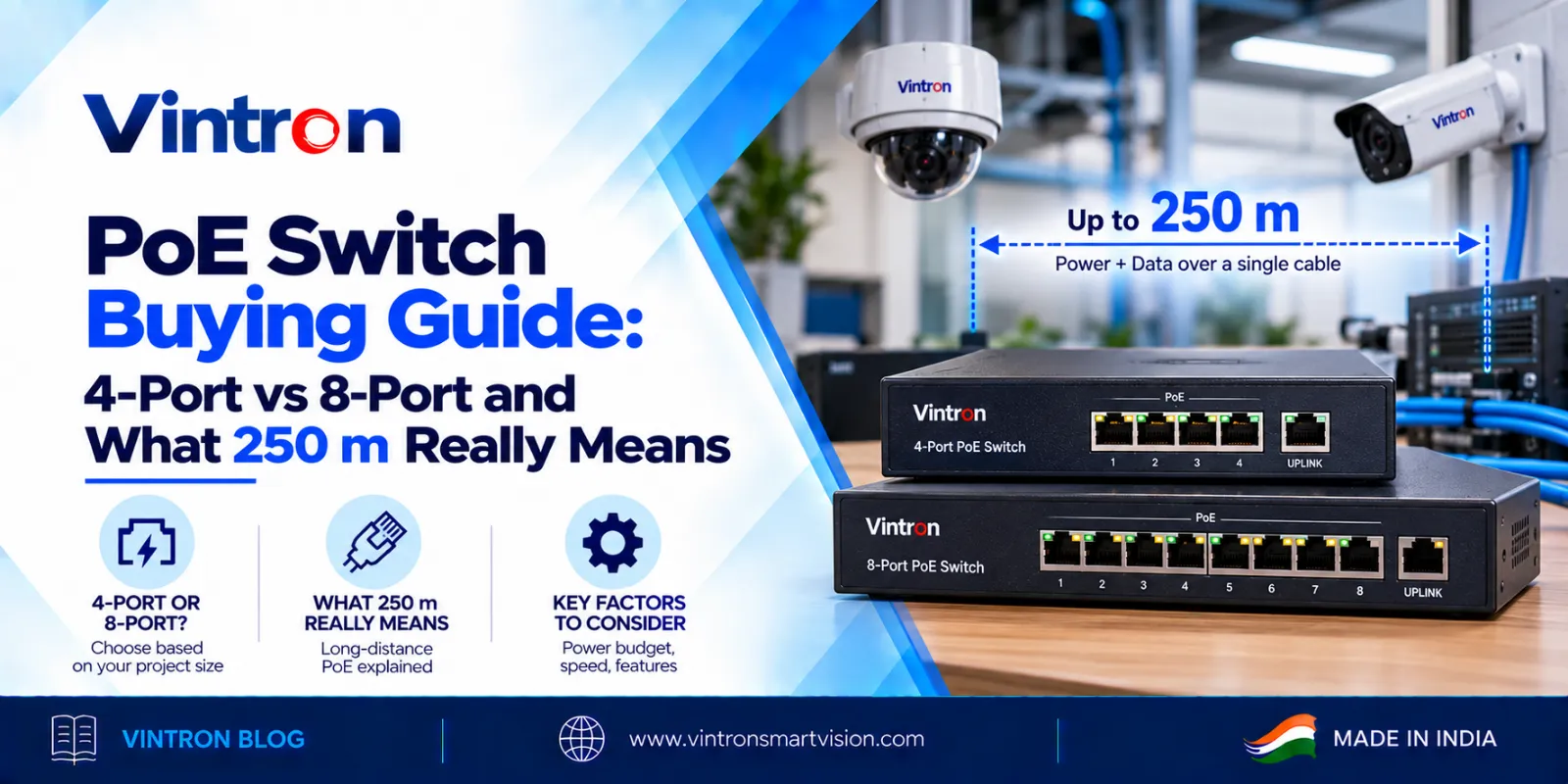
A PoE switch looks simple. Plug in a cable, and the device at the other end gets both data and power. But when you start comparing models, the numbers come fast: port counts, power budgets, speeds and distances. This guide explains the points that really matter, so you can match the switch to your site and avoid paying for something you do not need or buying something that falls short.
PoE stands for Power over Ethernet. A PoE switch sends electrical power along the same network cable that carries data. A device such as a wireless access point or a VoIP phone then needs only one cable, with no separate power adapter and no nearby power socket. That makes installation cleaner and quicker, and it lets you place devices where mains power is not easy to reach.
The two common PoE standards are IEEE 802.3af and IEEE 802.3at. Both are supported across Vintron's PoE switch range. As a rule of thumb, 802.3af supplies up to about 15.4 W per port and 802.3at up to about 30 W per port, so the standard tells you how much power a single device can draw.
Start with the simplest question. How many PoE devices will connect to this switch today? Add at least two spare ports for later. A 4-port switch is a good match for a small shop, a single floor or a small cluster of devices. An 8-port switch gives you more room, and it is often the better choice when you expect to add devices within a year. For larger sites, Vintron's Premium range goes up to 16 and 24 ports.
This is the point buyers miss most often. Every PoE switch has a total power budget, which is the most power it can supply across all ports together. The power budget matters more than the number of ports.
Take the Vintron ULTRA 4-port switch, the VS-POE-42065. It has a total PoE budget of 65 W and a maximum of 30 W on any one port. If you connect four devices that each draw 15 W, you need 60 W, which is within budget. If they each draw 20 W, you need 80 W, which is over the budget, and the switch cannot power them all even though it has four ports.
The same logic applies to the ULTRA 8-port switch, the VS-POE-82096, which has a 96 W total budget. Spread across eight ports, that is an average of 12 W per port. It is plenty for lighter devices and may be tight for heavier ones. The method is always the same:
1. List every device you plan to connect.
2. Find the maximum power each one draws from its datasheet.
3. Add them up.
4. Choose a switch with a total budget above that number, and leave a margin.
|
Example site (illustrative)
|

Figure: the same devices, two switches. Port count was not the problem. The power budget was.
Standard Ethernet cable is rated for 100 metres. Vintron's ULTRA switches, the VS-POE-42065 and the VS-POE-82096, are listed with a transmission distance of up to 250 metres with PoE power. That helps when a device sits in a far corner of a warehouse, a parking area or a large office floor and you want to avoid adding another switch or a separate power point.
Here is what to keep in mind. Extended-distance modes on PoE equipment generally trade speed for reach, so the speed you get at 250 metres can be lower than the speed at 100 metres. Cable quality also matters, and poor cable can shorten the usable distance. Before you plan a long run, ask for the speed and cable details for the exact model, and test one run first.
If you need even longer reach for a single device, a PoE extender can carry power and data beyond the normal limit. Vintron offers extenders for this purpose, and they can be a simpler answer than adding another switch.
The ULTRA switches have 10/100 Mbps ports and two 10/100 Mbps uplink ports. That is enough for many everyday PoE devices, which do not need much bandwidth each. If your devices send more data, or you want to build a faster backbone, look at the Full Giga models in the Premium range. The Premium 24-port VS-POE-2422FGS, for example, has 24 gigabit PoE ports, two 1000 Mbps uplink ports, two SFP slots and a 300 W power budget, with a transmission distance of 100 metres. Choose Gigabit when you expect heavier traffic or plan to add faster devices later.
|
|
ULTRA 4-port |
ULTRA 8-port |
Premium 24-port Full Giga |
|
Model |
VS-POE-42065 |
VS-POE-82096 |
VS-POE-2422FGS |
|
PoE ports |
4 x 10/100 Mbps |
8 x 10/100 Mbps |
24 x gigabit |
|
Uplink |
2 x 10/100 Mbps |
2 x 10/100 Mbps |
2 x 1000 Mbps, plus 2 SFP |
|
Total PoE budget |
65 W |
96 W |
300 W |
|
Distance |
Up to 250 m |
Up to 250 m |
100 m |
|
PoE standard |
IEEE 802.3af/at |
IEEE 802.3af/at |
IEEE 802.3af/at |
Figures are taken from Vintron's product catalogue. Please confirm them against the latest datasheet before you place an order.
|
Myth |
Fact |
|
More ports means more power. |
The total power budget decides how many devices you can run, not the port count. |
|
250 m means full speed at 250 m. |
Long-distance modes usually trade speed for reach. Ask for the speed at your distance. |
|
Gigabit is always better. |
Choose it when traffic or future devices need it. Many everyday PoE devices run well on 10/100 Mbps. |
Vintron has been manufacturing in India since 1991. Buying direct from a manufacturer means clear technical answers, support from the people who built the product and the option of bulk orders. Our PoE range covers 4 to 24 ports, Gigabit models and power budgets from 75 W to 300 W, so one supplier can cover small and large sites.
What happens if my devices need more than the power budget?
Some devices may not power up or may restart. The exact behaviour varies, so always leave a margin.
Will it power devices that do not need PoE?
A switch that follows IEEE 802.3af/at checks whether a device needs power before supplying it, so ordinary devices can connect normally.
Can I use it with devices from other brands?
Devices that follow IEEE 802.3af/at should work. Check each device's power draw against your budget.
4-port or 8-port?
Count devices, add 2 spare ports, then check the power budget. If you expect to grow within a year, take the larger one.
To choose a PoE switch, count your devices, add up their power, plan for growth, and check the distance and speed you really need. Do that, and the right model usually becomes clear. If you would like a second opinion, our team will check your device list and suggest a model.
Call our toll-free number 1800-121-4322 or write to lead@vintronsmartvision.com. You can also see the full range at www.vintronsmartvision.com.
Vintron Smartvision Pvt. Ltd.
Okhla Industrial Estate Phase I, New Delhi
Toll free: 1800-121-4322 | lead@vintronsmartvision.com | www.vintronsmartvision.com