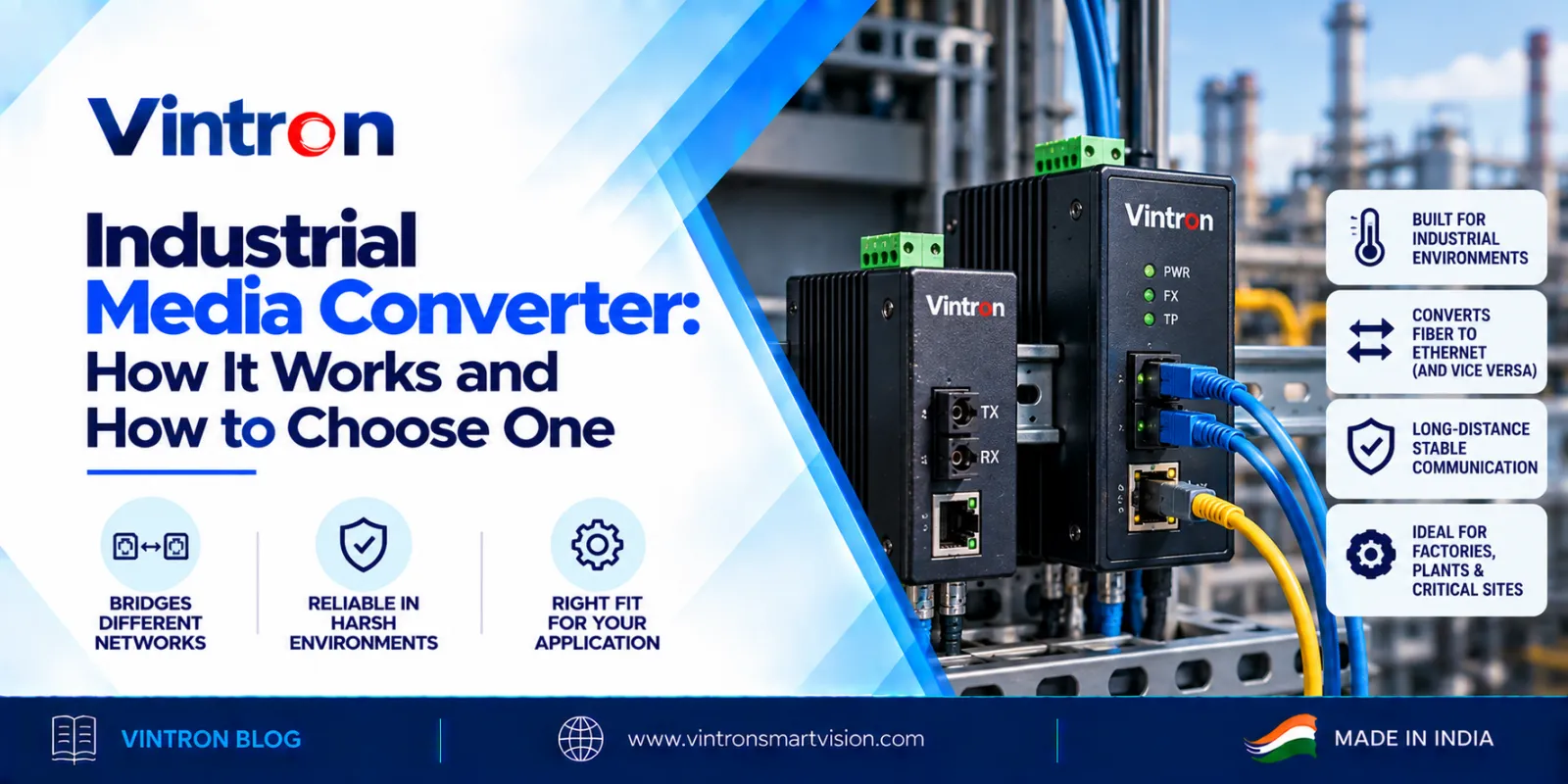
Every network has a weak point, and in factories, warehouses and large campuses it is usually the long run between two buildings. Standard copper Ethernet cable is rated for about 100 metres. Past that, the signal weakens and the link becomes unreliable. Add heavy machinery, motors and power cables running nearby, and electrical noise makes things worse. An industrial media converter is the small box that solves this problem, and this guide explains what it does, where it fits and what to check before you buy one.
A media converter links two different types of network cable. Most often it connects ordinary copper Ethernet, the RJ45 cable you see everywhere, to fibre optic cable. Your switch or device speaks Ethernet on one side. The converter changes that signal into light for the fibre run, and a second converter at the far end changes it back.
Fibre carries data much farther than copper and is not affected by electrical noise in the same way. That is why it is the usual choice for long runs between buildings, across a plant floor or along a large site.
A normal office-grade converter is built for a clean, climate-controlled room. An industrial media converter is built for places where conditions are harder. Look for these points:
Not every converter that calls itself industrial gives you all of these, so always ask for the datasheet and read the actual figures.
There are two main kinds of fibre. Multi-mode fibre is used for shorter distances, usually inside a building or across a small site. Single-mode fibre is used for longer distances and is the usual choice when buildings are far apart. The converter at each end must match the fibre you have. A single-mode converter will not work properly on multi-mode cable, and the reverse is also true.
The connector matters too. SC is a common square push-pull fibre connector. Before you order, check what connector your fibre already has, so you do not end up buying patch cords you did not plan for.
The Vintron VS-IMC-42 is an industrial grade media converter designed for stable, secure and reliable connectivity in demanding environments. Here is what Vintron lists for it:
With four copper ports and two fibre ports on a single unit, it suits sites where several devices in one area need to be brought back to the main network over fibre.
These are common situations where a media converter is the practical answer:
In each case, the aim is the same: a stable link over a distance that normal cable cannot handle.
Use this checklist before you decide:
1. Check the distance. Measure the real cable route, not the straight-line distance. Ask for the supported reach of the converter on your type of fibre.
2. Match the fibre. Confirm whether your cable is single-mode or multi-mode, and pick a converter built for it.
3. Check the connector. Confirm that the connector on your fibre matches the converter port, for example SC.
4. Count the devices. Make sure the number of copper ports is enough for the devices at that end, with a spare or two for later.
5. Check the speed. A 10/100 Mbps port is enough for many everyday devices. If you need gigabit speed, say so at the start.
6. Ask about PoE. If you want the converter to power devices over the copper ports, confirm the PoE standard and the total power it can supply.
7. Look at the build. For a plant or an outdoor-facing location, check the enclosure, EMI protection and mounting options.
|
Example site (illustrative)
|
|
Myth |
Fact |
|
Fibre is only for big companies. |
Any site with a run beyond about 100 m, or with electrical noise nearby, can use it. |
|
Any media converter works with any fibre. |
The fibre type (single-mode or multi-mode) and the connector must match the converter. |
|
"Industrial" just means a metal box. |
Check EMI protection, stable operation and mounting on the datasheet, not just the casing. |
Vintron has been manufacturing in India since 1991 and offers a 2-year burn warranty across its range. Buying from an Indian manufacturer means you can speak to the team that builds the product, get faster support and place bulk orders directly. Our range covers PoE switches, power supplies and networking products, so you can plan your whole network with a single supplier.
Do I need a converter at both ends?
Yes, unless the other end already has a fibre port on a switch. One converter turns copper into light and the other turns it back.
Can the VS-IMC-42 power devices?
Vintron lists PoE support (IEEE 802.3af/at) for the VS-IMC-42. Ask us for the total power it can supply before you plan around it.
Which fibre does it use?
It has 2 single-mode SC ports, so you need single-mode fibre with SC connectors.
Can I reuse fibre that is already installed?
Often yes, if the fibre type and connector match. Send us the details and we will confirm.
A good industrial media converter is not the most exciting part of a network, but it is often the part that decides whether the network stays up. Measure your distances, match the fibre and connector, plan your ports and power, and pick a unit built for the environment it will live in. The Vintron VS-IMC-42 is built for exactly that kind of work.
To discuss your site and get a recommendation, call our toll-free number 1800-121-4322 or write to lead@vintronsmartvision.com. You can also see our full range at www.vintronsmartvision.com.
Vintron Smartvision Pvt. Ltd.
Okhla Industrial Estate Phase I, New Delhi
Toll free: 1800-121-4322 | lead@vintronsmartvision.com | www.vintronsmartvision.com