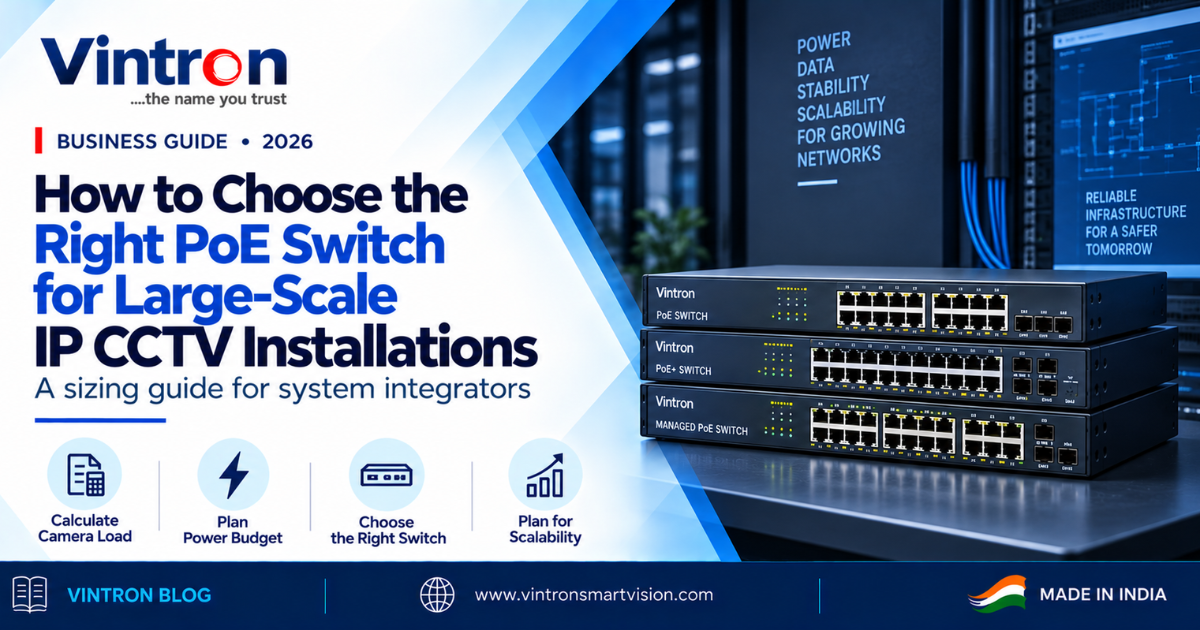
Nobody's client ever got excited about a PoE switch. It sits in a rack, blinks quietly, and gets zero attention during the demo. Which is exactly why so many integrators size it as an afterthought: count the cameras, find a switch with that many ports, done.
Then summer arrives, IR LEDs run longer, camera power draw creeps up, and cameras 14, 15 and 16 start rebooting in a loop. Your technician swears the cameras are fine — he’s right. The switch ran out of power budget, and the "16-port switch for 16 cameras" logic just cost you a free site visit and a slice of reputation.
We've been manufacturing PoE switches in Delhi alongside our cameras and recorders for years, and this exact story reaches our support line every summer. So here is the sizing guide we wish every integrator had: the four numbers that matter, in order, with math you can do on the back of the tender document.
First, Why PoE at All?
A sixty-second refresher. Power over Ethernet sends both data and power down a single network cable. For IP CCTV that means no electrician at every camera point, no separate power supply runs, no local sockets on poles. One cable per camera, with all power centralised at the rack where you can protect it and reboot a camera remotely by cycling its port. On a 40-camera site, that's days of labour and kilometres of copper saved — but it also means one box now powers your entire system, and that box deserves ten minutes of real engineering.
Number 1: The Power Budget (Where Most Installations Fail)
Every PoE switch carries two numbers people confuse: ports and power budget. Ports tell you how many cables fit. Power budget, in watts, tells you how much electricity the switch can deliver across all ports — and that second number is the one that bites.
IEEE 802.3af delivers up to about 15.4W per port, and 802.3at (PoE+) up to 30W. All our switches support IEEE 802.3af/at, covering the overwhelming majority of IP cameras you'll ever install.
Know your cameras at night, not at noon. A typical fixed IP camera draws 4–7W in daylight; switch on the IR LEDs and that jumps to 10–12W. PTZ cameras with motors and heaters can pull 20–30W. Always size on worst-case draw, because the system's hardest test is a cold 3 AM with every IR array blazing — exactly when the client needs the cameras alive. Then add 30% headroom: total worst-case draw × 1.3. That margin covers component ageing, cable losses, and the camera the client adds next year.
A worked example: sixteen IP cameras at 10W worst-case comes to 160W. With 30% headroom you need roughly 210W of budget. Our 16-port VS-PoE-1621NGS carries a 250W budget — comfortable. The full-gigabit VS-PoE-1621FGS carries 300W, with room for PTZs added later. A generic “16-port” switch with a 130W budget is the summer-reboot machine from the opening of this article. Ports get cables connected. Watts keep cameras alive. Buy watts.
Number 2: Uplink Bandwidth (The Silent Bottleneck)
Every camera sends its stream through the switch, up one cable, to the NVR. That uplink port is a funnel — too narrow, and you get stuttering feeds and recordings with mysterious gaps.
A 4MP IP camera on H.265 typically streams 2–4 Mbps. Worst case: 24 cameras × 6 Mbps is roughly 145 Mbps of continuous traffic. Push that through a 100Mbps uplink and you've built a traffic jam; through gigabit, you're cruising at 15% capacity. Every serious switch in our Premium and Ultra series carries dedicated gigabit uplink ports, with SFP fibre slots on larger models. Gigabit uplinks are the floor for any site above eight cameras — this math doesn't negotiate.
Number 3: Access Ports — 10/100 or Full Gigabit?
Here's the nuance most guides skip: camera-facing ports don't automatically need gigabit. A single camera streaming 4 Mbps doesn't stress a 100Mbps port. On budget-sensitive sites, a 24-port switch with 10/100 PoE ports, gigabit uplinks and dual SFP is an honest, efficient choice.
Pay for full-gigabit access ports in three situations: very high-resolution cameras with heavy bitrates, sites where the switch also feeds non-camera devices like access control or Wi-Fi APs, and future-proofing on infrastructure projects where recabling later is unthinkable. For those, our full-giga models — including the 24-port VS-PoE-2422FGS with its 56Gbps switching capacity — were built for exactly this job.
Number 4: Distance (The Warehouse Problem)
Standard Ethernet has a hard limit: 100 metres from camera to switch. In an Indian warehouse or campus perimeter, that's the wall you hit on camera one. Three tools, in order of preference:
The Quiet Details That Separate Professionals
Heat and noise: our switches are fanless with inbuilt power supplies — no fan to fail, no adapter to walk away. Surge protection: quality switch design plus proper earthing prevents most “mysterious port failures.” And one ecosystem, one phone number: when cameras, NVR, switches and software come from one manufacturer, “whose fault is it?” becomes one toll-free call — 1800-121-4322 — to a factory in Okhla that built every box in the rack, with a 2-year warranty across the lot.
The Back-of-the-Tender Cheat Sheet
The Bottom Line
Large-scale IP CCTV succeeds or fails on infrastructure the client never sees. The integrator who sizes power budgets on worst-case draw, does the uplink math, and leaves 30% headroom isn't spending more — he's spending once.
Send us your camera count, models and site layout, and our engineers will help you spec the right switches. We've been manufacturing this equipment in India since 1991.