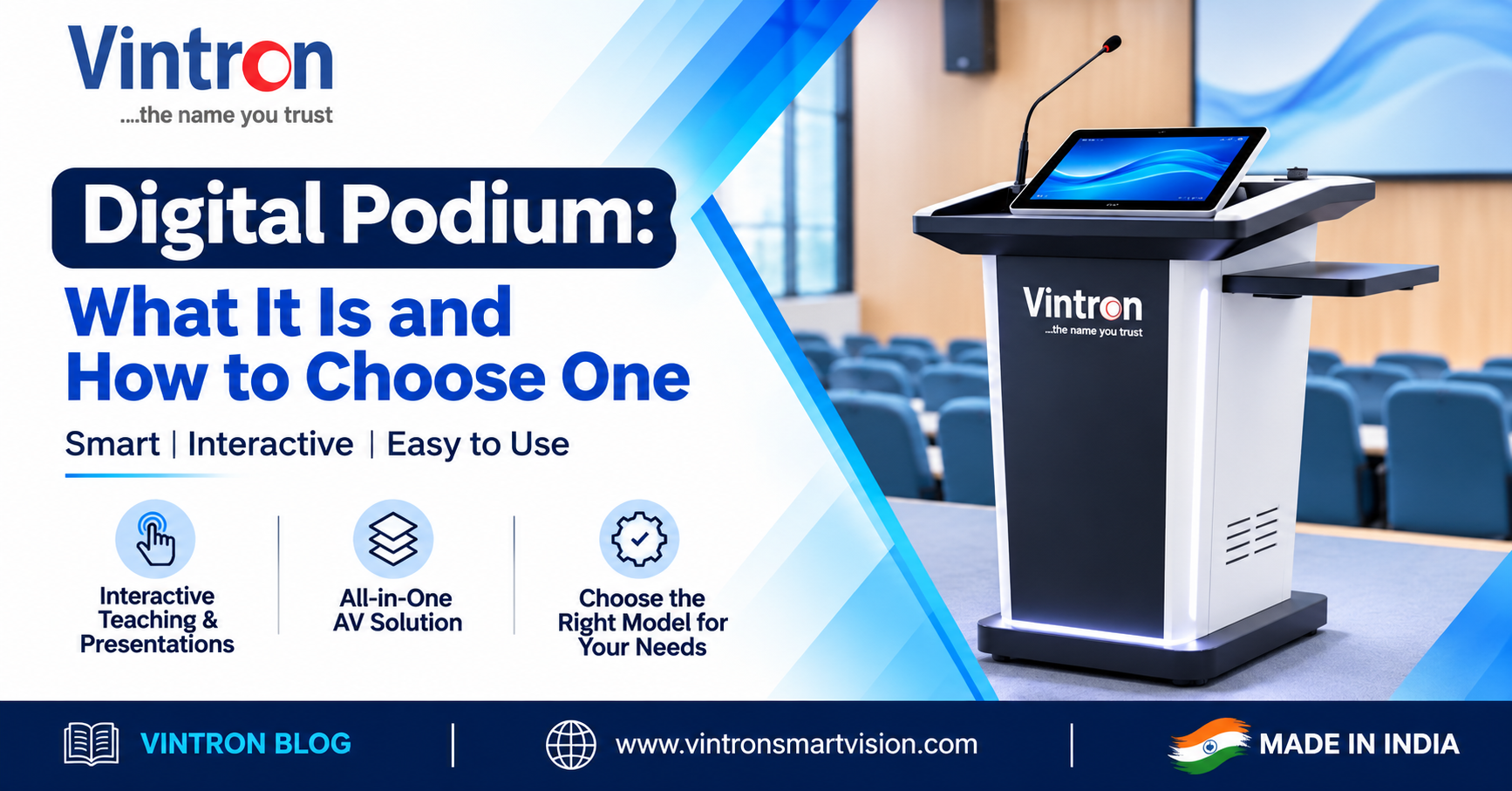
Walk into a lecture hall or a conference room and you will often see a lectern with a laptop on top, a tangle of cables, a loose microphone and a projector remote. Each part works, but together they take time to set up and are easy to knock out of place. A digital podium brings these parts into one stand. This guide explains what it is, what to check before buying and how the Vintron 32-inch Digital Podium is built.
A digital podium is a presenter's stand with a built-in touch screen and computer. The presenter can open slides, play videos, write notes on the screen and control the room from one position. It usually connects to a projector or display for the audience and to speakers for sound.
The Vintron Digital Podium is a 32-inch capacitive touch screen podium running Windows. The datasheet lists:
The datasheet lists classrooms and lecture halls, educational institutions, training and seminar rooms, conference and meeting rooms, corporate presentations, exhibition and event spaces and government and public sector use. In each, one person speaks to a group and needs a screen, sound and control that just work.
|
Example room (illustrative)
|

Figure: the podium connects to the display, the network, the room audio and an optional external mic.
The datasheet lists an operating range of 0 to 40 degrees C and humidity of 10% to 90% without condensation, so keep the podium in a normal indoor room and away from damp. Clean the glass screen with a soft, dry or slightly damp cloth. Keep it on a firm, level floor, and plan for at least two people when moving it, because it weighs 45 to 50 kg.
Some rooms use a wall-mounted interactive display instead. A wall display suits teaching where the audience comes to the board, while a podium suits a presenter who stays at one spot and wants the computer, ports and microphones within reach. Many rooms use both: the podium controls the room, and the wall display or projector shows the content to the audience. Think about how the presenter moves, who else will use the room and where the cables can run before you decide.
1. Screen size. Make sure 32 inches suits the distance the presenter works from.
2. Resolution. 2K gives sharp text for slides and documents.
3. Memory and storage. Choose the larger option if you will store video or run heavier software.
4. Ports. Match the outputs to your projector or display, and count the USB ports you need.
5. Network. Decide between LAN only and the optional Wi-Fi and Bluetooth.
6. Microphones. Check that the pickup suits your room size.
7. Colour and finish. Ask about customising the colour to match your space.
8. Support. Ask about warranty and who looks after software updates.
|
Myth |
Fact |
|
A podium is just a laptop in a box. |
It adds a large touch screen, built-in microphones and fixed ports, so setup is done once. |
|
Touch screens are only for schools. |
Meeting rooms, training rooms and event spaces use them for the same reason: quick, simple control. |
|
Bigger memory is always needed. |
Slides and documents run well on the base option. Choose more for video or heavy software. |
Vintron has been manufacturing in India since 1991 and is based at Okhla Industrial Estate Phase I, New Delhi. A local manufacturer can talk through configuration options with you, customise the finish and provide support nearby.
Does it run my existing software?
It runs Windows 10/11 Pro, so software that works on a Windows computer should work. Check any special requirements with us.
Can I connect it to a projector and a sound system?
Yes. It has HDMI and VGA outputs and a line out for room audio.
Can it join the school or office network?
It has a LAN port, and Wi-Fi and Bluetooth are optional.
Can the colour be changed?
The standard colour is black, and the datasheet lists it as customisable.
A digital podium turns a messy presentation setup into one tidy station. Check the screen, the ports, the memory and the room layout, and the right configuration usually becomes clear. The Vintron 32-inch Digital Podium is built for classrooms, meeting rooms and training halls.
Call our toll-free number 1800-121-4322 or write to lead@vintronsmartvision.com. You can also see our range at www.vintronsmartvision.com.
Vintron Smartvision Pvt. Ltd.
Okhla Industrial Estate Phase I, New Delhi
Toll free: 1800-121-4322 | lead@vintronsmartvision.com | www.vintronsmartvision.com